Tu carrito esta vacío
Seguir comprando¿Tienes una cuenta?
Inicia sesión para finalizar tus compras con mayor rapidez.

SYBASoil: Sustrato Premium
Mezclas de suelo a base de coco hechas a mano para tus...
¿Tienes una cuenta?
Inicia sesión para finalizar tus compras con mayor rapidez.
Mezclas de suelo a base de coco hechas a mano para tus...

 Deutschland / Germany (EUR)
 France (EUR)
 Nederland / Netherlands (EUR)
 Belgium (EUR)
 United Kingdom (GBP)
 Sverige / Sweden (SEK)
 Danmark (DKK)
 Finland (EUR)
España / Spain (EUR)
Finland (EUR)
España / Spain (EUR)
 Italia / Italy (EUR)
 Portugal (EUR)
 Österreich / Austria (EUR)
 Ireland (EUR)
 Luxembourg (EUR)
 Polska / Poland (EUR)
 Česko / Czechia (EUR)
Both panes below start as a still image, play once when scrolled into view, then rest on a frame that should be indistinguishable from where they started. If you can spot the moment it stops, the clip is not a clean cycle.
Seam test blends the resting clip against the still using difference mode. A perfect cycle turns the pane almost pure black. Visible edges or ghosting mean the clip does not return to its opening pose, and the hero will jump when it ends.
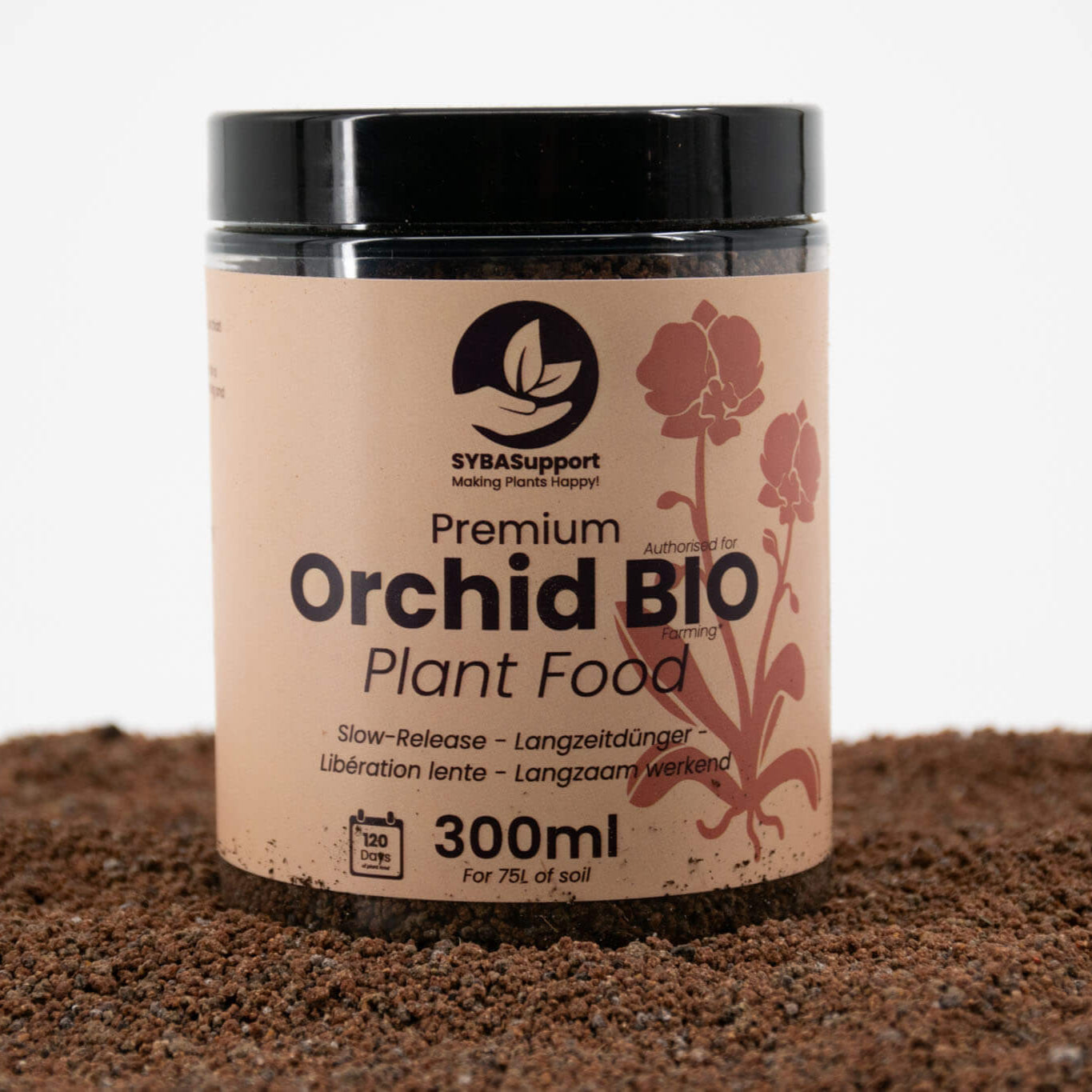
Frame 0 is used as the featured image here, preview only. Every still on this page is the clip's own first frame, which is the agreed approach going forward: when a product gains an animation, its featured image becomes frame 0 of that clip. Nothing on the live product has been changed — it keeps its own photo and has no clip assigned, so the real product page does not animate. The swap happens in this page's own script, for display.
Ingredients reveal. Hover either pane and the cursor becomes an
Ingredients label; click to reveal, click again for Back. Escape also
closes it. The left pane shows the structured shape the reference
design needs (short names, allergen part bold, percentage set apart) using a demo list.
The right pane shows the prose fallback from this product's real
custom.ingredients_v2, which is what 39 of 193 products currently hold.
Products upgrade to the label layout simply by gaining an ingredient list, with no code
change. On touch there is no cursor, so a visible button appears instead.
The clip did not load. Upload it to Content → Files and paste the URL into this section's "Demo clip URL" setting in the theme editor.

Ingredients
Ingredients
Everything below is the theme's real markup at real sizes, laid out inline rather than inside a device frame. Shopify blocks its own pages from being framed, so a fake device switcher is not possible here, and would have lied about breakpoints anyway. Resize this window, or open this page on your phone, and the layout responds exactly as the live collection and product pages do.
The real card-product snippet, four times, at the saved production
settings from templates/collection.json: 4 columns on desktop, 2 on
mobile, adapt ratio, secondary image and quick add on. Identical to a real collection
page apart from having the same product four times.
Cards animate on hover only. Nothing moves, and not a single video
byte is fetched, until you hover a card. Touch devices have no hover state, so there
the cards stay plain images.
Resolved: a card can only have one hover behaviour, so the rule is now
in the theme itself. A product with a clip drops its second-image swap and
animates instead; a product without a clip keeps the second-image swap exactly
as it works today. The demo product below has no clip assigned, so this preview
simulates the animated case by suppressing its swap image.
Below is the theme's production featured-product section, the same one
used on the live landing pages, configured with the standard blocks: gallery, title,
price, variant picker, quantity selector, buy buttons and USPs. The animation is
layered onto its gallery by this preview, so nothing about the live product had to
change. Its gallery, thumbnails and info column are the real components, so the
spacing and type you see here are the spacing and type a customer sees.